TVK for Android TV
The upRiver Network's walnut TV. YouTube and other pictures stay inside the set.
App version 1.0.0
Get TVK for Android TV
Free. No account needed to watch. There is no store listing yet, so you install the file yourself.
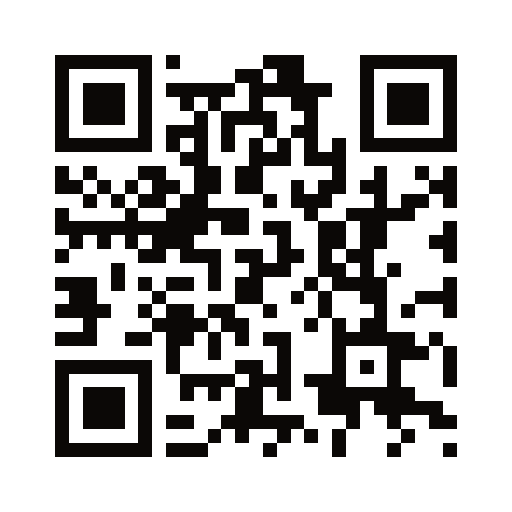
Download the app- Scan the code with your phone, or on the TV open Downloader (from the Play Store) and enter https://tvknob.com/android/get.
- When Android asks, allow that app to install unknown apps. Install only the file from tvknob.com.
- Open TVK. The first time, pick a phosphor style and the channel the set opens on.
Version 1.0.0 · 10.7 MB · published Oct 14, 2026
SHA-256 af77226e10b03d0bbcd38d85fe0d2b22195ca82422d1770c3fd000a3c0dd7cec
From a computer on the same network, with the TV's network debugging on: adb install -r TVK_AndroidTV-1.0.0.apk
Download QR
What it is
The same channels as tvknob.com, on a walnut styled TV: live video and radio, a channel dial, a guide, channel info and on-demand shows. A YouTube channel, playlist or video plays in the picture tube, and so do other web pictures such as Twitch. The set does not open the YouTube app or a browser.
Link your tvknob.com account (optional)
Everything public works without an account. Linking marks your own channels on the TV.
- On the TV, press Menu to open the guide and choose the last row, Link your tvknob.com account.
- On your phone or computer go to tvknob.com/link and enter the code shown on the TV.
- Sign in. The TV updates within a few seconds. In Network Studio the session is named TVK Android TV.
Remote
| ▲ ▼ | Change channel |
|---|---|
| ▶ | Select the knob and buttons on the set: arrows move, OK presses, Back returns |
| OK | Channel info and on-demand shows. A row plays in the tube |
| Menu | Channel guide |
| ▶❚❚ | Power the TV on or off (pause during on-demand) |
| Guide | Fill the screen. The FULL button does the same. Back returns to the cabinet |
| Back | Close a panel, leave full screen, or leave the app |
The same code on tvknob.com and upriver.studio
The code always opens https://tvknob.com/android/get, so a scan from either site downloads the current build. To show it on another page, including Network Studio or live.upriver.studio:
<img src="https://tvknob.com/android/qr.svg" width="240" height="240" alt="Download TVK for Android TV">For a code that opens this page first, use https://tvknob.com/android/qr.svg?to=page.
Need help? See support. How we handle data: privacy policy.